How to turn a sitemap into a content inventory — current scope
Provider concepts remain useful, but earlier instructions for BeKnow’s SEO, writing, image or AI-visibility screens no longer describe the current public product. Saving a provider key does not enable those retired workflows.

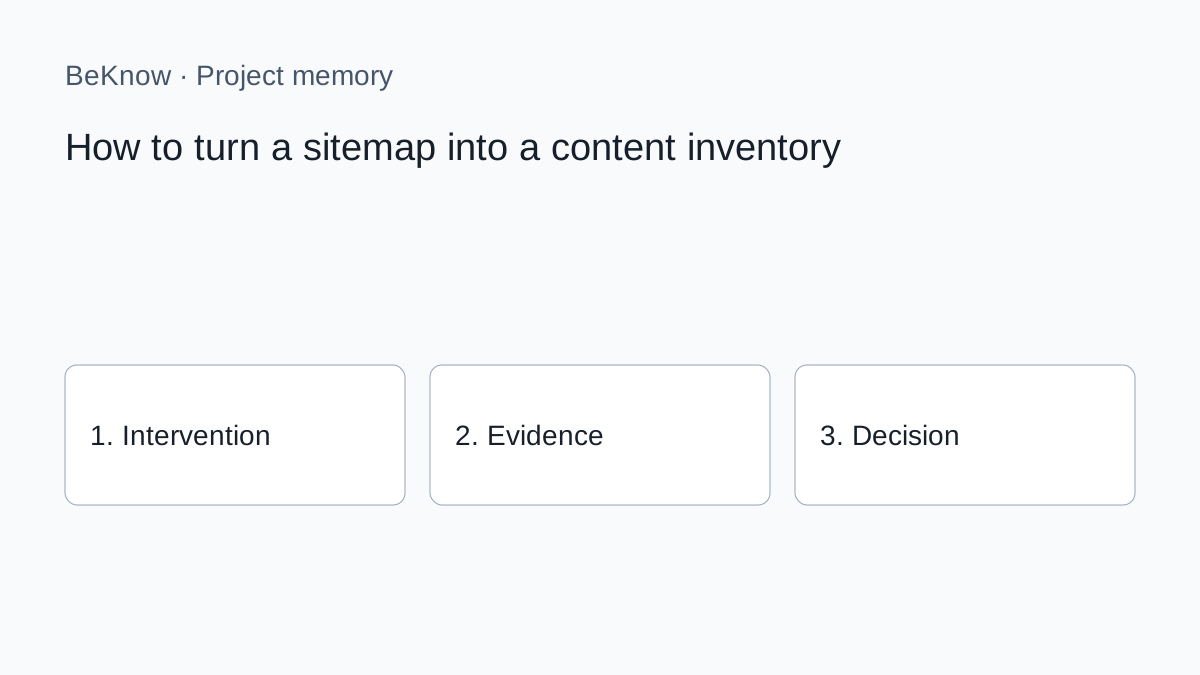
Provider concepts remain useful, but earlier instructions for BeKnow’s SEO, writing, image or AI-visibility screens no longer describe the current public product. Saving a provider key does not enable those retired workflows.
How to apply the method today
1. Define one question and the page, product or project it concerns. Record the source and date of each observation. A provider response is evidence to interpret, not an approved business decision.
2. Carry out the specialist research or content work in the external tool appropriate to the task. Check its current documentation, access requirements and costs. The availability of a provider API does not imply that every capability is integrated in BeKnow.
3. In BeKnow, record the intervention, its hypothesis and the relevant asset. Add the before and after where available. Identify missing evidence rather than filling the gap with an estimate.
4. For supported WordPress and Search Console work, inspect the available verification and checkpoint evidence. For other sources, the initial imports remain separate from automated intervention outcomes.
5. Record whether to continue, stop or investigate, why, and the next step. A review date is a recorded reminder, not a fully managed assignment or notification workflow.
The underlying method
A sitemap is a list of URLs the site wants search engines to discover. A content inventory is richer: it records what each page is, which intent it serves, its locale, status, relationships and whether its content can still be trusted.
Start from the canonical sitemap set
Find the sitemap index or section sitemaps declared by the site. Include relevant product, integration and blog maps; exclude feeds or utility collections that do not belong in the editorial inventory.
- source sitemap;
- URL and locale;
- declared last modification when present;
- expected page type;
- current HTTP and canonical state when checked;
- inventory status.
One domain can have several valid sitemaps. Multilingual versions should be linked as one translation group while retaining their distinct URLs.
Map URLs before crawling every page
Firecrawl provides separate Map and Crawl capabilities. Map discovers URLs without necessarily retrieving every page’s full content. Crawl can follow the site and return page content, using the sitemap in include, skip or only mode.
Normalise without losing evidence
- protocol and host conventions;
- trailing slash policy;
- tracking parameters;
- encoded duplicates;
- canonical URL when verified;
- locale prefix.
Do not merge URLs only because their titles look similar. Keep the original discovered URL and the reason for any canonical grouping. Redirects and canonicals require a live technical check.
Classify the inventory
Assign every relevant URL a role: homepage, product/service, integration, feature, pillar, article, legal or utility. Then store topic, intent, audience stage, locale, publication status and translation group where known.
After Firecrawl retrieves a page, add title, H1, headings, readable summary, entities and outgoing internal links. A URL-only inventory can reveal structure; a content-backed inventory can reveal overlap and stale knowledge.
Detect duplicates and overlaps separately
Technical duplicates can involve parameter variants, canonical conflicts or near-identical rendered pages. Editorial overlap occurs when distinct pages answer the same user intent. They are related but need different remedies.
Flag candidates using titles, headings, summaries and query evidence, then review them manually. Do not auto-delete. Apply the update, consolidate or create decision and preserve redirects and incoming links in the implementation plan.
Find orphan candidates with two maps
A page is an orphan candidate when it exists in the inventory but lacks discoverable internal links from the crawled site structure. A sitemap entry alone does not give it editorial support.
- URLs declared in sitemaps;
- URLs discovered through internal links.
Differences can also indicate crawl limits, inaccessible navigation, JavaScript rendering or scope settings. Verify before labelling a page orphan. Then add only relevant links; sitewide filler links do not repair topical isolation.
Cross the inventory with Search Console
Search Console can reveal canonical pages receiving impressions or clicks that are missing from the sitemap inventory, and sitemap pages with no visible performance. Neither case automatically means an error.
Use Search Console for first-party performance and Firecrawl for what the pages contain. The comparison in Search Console versus DataForSEO also clarifies why external market evidence remains a separate layer.
Keep the inventory current
- last discovered date;
- last successful retrieval;
- content fingerprint or change status where available;
- owner and review status;
- next action;
- source of every finding.
This turns the inventory into working memory rather than a one-off spreadsheet.
Does a sitemap prove a page is indexed?
No. It declares a URL for discovery. Check indexing and performance separately.
Do I need to crawl every URL?
No. Map and classify first, then retrieve pages required for current decisions.
Can the inventory find duplicate content automatically?
It can flag candidates; canonical and editorial decisions require verification.
How often should it be refreshed?
Refresh according to change rate and business importance, not one universal interval.
Build the map before adding more pages
A trustworthy inventory tells you what exists, what each URL does and which pages deserve deeper reading. It prevents duplicate articles and gives every new content unit a real place in the site.
What BeKnow keeps
Keep interventions, hypotheses, assets, observations and decisions in a searchable workspace. Record what is known and what still needs checking.
Preserve the reason for a choice and the next step alongside the intervention. Review dates are recorded; a complete assignment and review inbox is not available yet.
Connections and limits
Shopify, WooCommerce, Magento, GA4, Google Ads, Meta Ads and HubSpot have initial read connectors. Imports are started manually and their data can be inspected or read through MCP. Coverage and setup differ by provider; automatic links to intervention outcomes are still being developed.
A change in performance after an intervention does not prove that the intervention caused it. Cross-platform attribution and a complete analytics dashboard are not available today.
AI and costs
Project memory and data imports do not require an AI model key. A compatible external AI client may have its own costs. BYOK applies only to available functions that actually call an external provider.
Free access during the current adoption phase. No BeKnow credit wallet.
Next step
Start with one project, one documented change and the evidence needed to review it. Source connections.
About the author
Marco Salvo is the founder of BeKnow. With more than 20 years in SEO, he created BeKnow to connect project changes with real-world results and turn that history into knowledge people and AI can use.
Record your first intervention
Start with one project, one documented change and the evidence needed to review it.
Create a free workspace