Is MCP secure? OAuth, permissions and revocation
Authorize a compatible MCP client to read project context and record supported memory operations. Access respects workspace permissions; an AI answer still needs review.

Authorize a compatible MCP client to read project context and record supported memory operations. Access respects workspace permissions; an AI answer still needs review.
MCP is not automatically safe or unsafe. It is a protocol that defines how AI hosts, clients and servers exchange capabilities and context. Security depends on the server, transport, authorization, client behaviour, permissions and the actions a user approves.
Understand the trust chain
An MCP connection involves several components:
- the AI host, such as a compatible assistant or editor;
- an MCP client managed by that host;
- the MCP server providing capabilities;
- the authorization service for protected access;
- the underlying workspace and its own permissions.
Trusting one component does not automatically validate all the others. Verify the server URL, the product presenting the consent, the account being authorised and the workspace returned after connection.
The guide to MCP, APIs and plugins explains why a connector label alone does not describe the security model.
What OAuth does for a remote MCP server
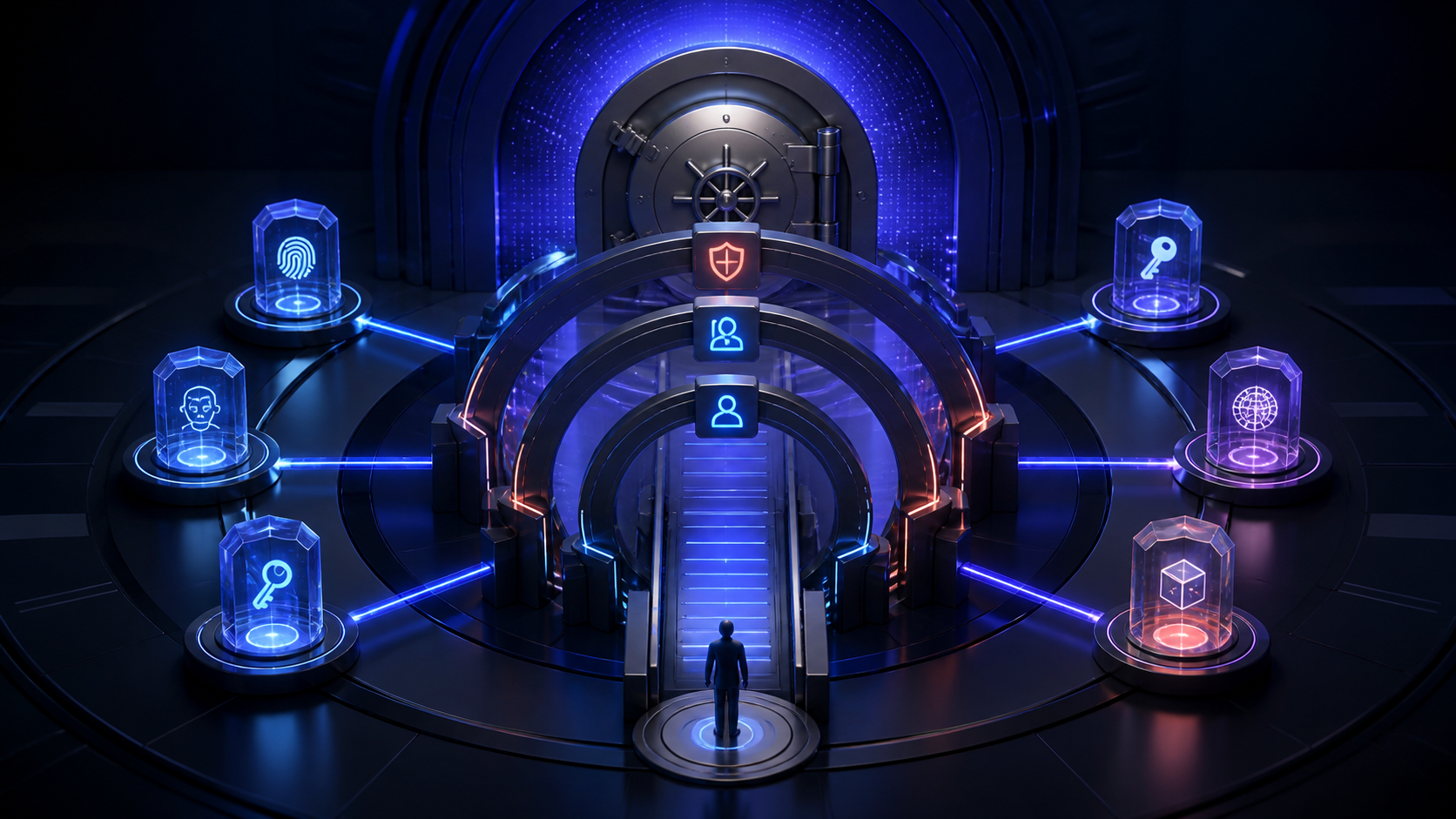
The current MCP authorization specification defines an OAuth-based framework for protected HTTP servers. The client discovers authorization metadata, the user completes consent, and access tokens are issued for the intended resource. Tokens belong in authorization headers, not URL query strings.
OAuth helps avoid pasting reusable credentials into chat or configuration text. It can provide scoped, revocable access and a clear user interaction. It does not guarantee that every server is trustworthy or that every requested operation is harmless.
Four permission layers to keep separate
1. Connection authorization
This decides whether the client may connect to the protected server on the user’s behalf.
4. Approval of a specific action
The host may ask the user before a tool call. Reading a brand brief, adding a planner item and publishing to an external system have different impact. Approval should name the action and target.
These layers reinforce each other. None should be treated as a substitute for the others.
Start read-only
After connecting, use a narrow request:
Do not enable automatic approval for write-capable operations during initial testing. Convenience expands the consequence of a misunderstood prompt.
Treat reads and writes differently
For an editorial plan, use:
- read the inventory and planner;
- propose changes without writing;
- approve named draft items;
- write only those items;
- read the planner again;
- keep public publication as a separate approval.
The MCP editorial-plan workflow gives a complete example.
Do not expose secrets in prompts
If a secret appears in a screenshot, repository, support ticket or conversation, revoke it at the issuer and create a replacement. Deleting the message is not sufficient revocation.
Revoke on both sides
After revocation, test that a new protected request requires authorization or fails cleanly. Review connected applications and active sessions periodically, particularly after device loss, staff departure or suspected exposure.
Frequently asked questions
Does OAuth mean the AI never sees my data?
No. The external client processes the context returned for an authorised request. Review its policies and send only what the task needs.
Can an MCP server access every workspace?
It should return only data allowed to the authorised account and workspace. Verify boundaries during setup and report unexpected access immediately.
Is read-only access risk free?
No. It avoids modification, but returned information can still be sensitive.
Is disconnecting the connector enough?
Prefer disconnecting the client and revoking the server-side authorization when both controls are available.
MCP provides a structure for capabilities and authorization. Safe use still requires verified endpoints, limited scope, clear approvals, workspace isolation and revocation.
What BeKnow keeps
Keep interventions, hypotheses, assets, observations and decisions in a searchable workspace. Record what is known and what still needs checking.
A change in performance after an intervention does not prove that the intervention caused it. Cross-platform attribution and a complete analytics dashboard are not available today.
Project memory and data imports do not require an AI model key. A compatible external AI client may have its own costs. BYOK applies only to available functions that actually call an external provider.
Next step
Start with one project, one documented change and the evidence needed to review it. Source connections.
About the author
Marco Salvo is the founder of BeKnow. With more than 20 years in SEO, he created BeKnow to connect project changes with real-world results and turn that history into knowledge people and AI can use.
Record your first intervention
Start with one project, one documented change and the evidence needed to review it.
Create a free workspace