How to generate blog images with OpenRouter and BeKnow — current scope
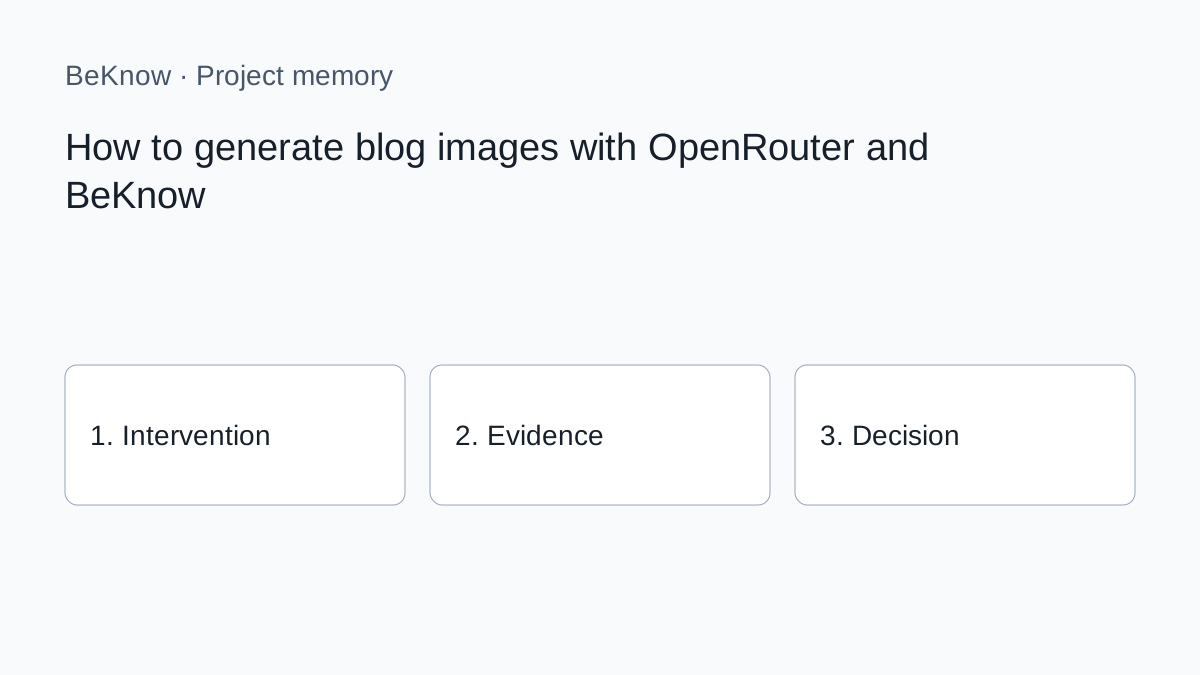
Provider concepts remain useful, but earlier instructions for BeKnow’s SEO, writing, image or AI-visibility screens no longer describe the current public product. Saving a provider key does not enable those retired workflows. The current public product focuses on project memory, evidence and decisions. The previous built-in writing and publishing pipeline is not available. Use your chosen editor or AI for content production.

Provider concepts remain useful, but earlier instructions for BeKnow’s SEO, writing, image or AI-visibility screens no longer describe the current public product. Saving a provider key does not enable those retired workflows. The current public product focuses on project memory, evidence and decisions. The previous built-in writing and publishing pipeline is not available. Use your chosen editor or AI for content production.
How to apply the method today
1. Define one question and the page, product or project it concerns. Record the source and date of each observation. A provider response is evidence to interpret, not an approved business decision.
2. Carry out the specialist research or content work in the external tool appropriate to the task. Check its current documentation, access requirements and costs. The availability of a provider API does not imply that every capability is integrated in BeKnow.
3. In BeKnow, record the intervention, its hypothesis and the relevant asset. Add the before and after where available. Identify missing evidence rather than filling the gap with an estimate.
4. For supported WordPress and Search Console work, inspect the available verification and checkpoint evidence. For other sources, the initial imports remain separate from automated intervention outcomes.
5. Record whether to continue, stop or investigate, why, and the next step. A review date is a recorded reminder, not a fully managed assignment or notification workflow.
The underlying method
A thumbnail needs a job before it needs a prompt
Decide what the image should communicate in one glance. For a BYOK article, show separation between product and provider key. For Search Console, visualise evidence becoming an action. Avoid generic robots, glowing brains and decorative dashboards that add no meaning.
Use one concept for the EN, IT and ES translation group unless local context genuinely requires another. The asset can be shared when it contains no language-dependent text; each article still needs local alt text.
Choose a compatible image model
OpenRouter's image model catalogue exposes output modality, supported parameters and endpoint pricing. Check whether the candidate supports the required aspect ratio, resolution, output format, background or reference images. Unsupported parameters should be removed rather than assumed.
- composition and subject accuracy;
- consistency across a series;
- ability to avoid unwanted text and logos;
- cost per approved result, including rejected variants;
- aspect ratio and web-ready output;
- reference-image support when a brand style needs reinforcement.
Use a consistent model-selection method to compare those results.
Write a production prompt
- concept: the relationship the reader should understand;
- objects: only the elements needed to show it;
- composition: focal point and empty space;
- style: colour, lighting, visual language and brand constraints;
- format: landscape ratio suitable for the blog card;
- exclusions: no readable text, fake UI, third-party logos or watermarks.
Do not put titles inside the generated bitmap. Localised headings belong in HTML, where they remain accessible and editable.
Generate, but do not publish automatically
Use the OpenRouter key attached to the correct workspace and select the intended image model. Run one or a small number of variants. Record model, prompt version, dimensions and provider usage.
Review the visual before storing it
- does it communicate the article's real topic?
- are there malformed symbols, hands, charts or interface fragments?
- did the model invent readable words or a logo?
- does the crop work on desktop and mobile cards?
- is contrast adequate around any overlaid HTML treatment?
- is it too similar to another cluster image?
- are rights and provider terms appropriate for the intended use?
Optimise and attach
Keep the master and create a web-sized derivative when needed. Prefer a suitable compressed format, descriptive filename and dimensions that avoid layout shift. Add local alt text describing the meaningful concept, not “AI-generated image”. If the image is purely decorative, use an empty alt according to the component's accessibility behaviour.
The same translation group can reuse the approved asset with three localized alt values. Keep featured_image and featured_image_alt linked to the article record, and preview listing card, article header and social share crop.
In-body visuals should explain a step
Do not repeat the same decorative image throughout the article. Screenshots must hide API keys, account identifiers and client data.
Can every OpenRouter model create images?
No. Select a model whose output modalities include images and verify endpoint parameters.
Can I reuse one thumbnail in three languages?
Yes when it contains no language-specific text and the concept fits each market. Localise the alt text.
Do not ask a model to recreate the logo. If branding is required, apply an approved original asset in a controlled design step.
Treat the image as an editorial asset
Define its communication role, generate with a compatible model, review it against product truth and accessibility, then store and attach the approved version. Generation is only one step.
What BeKnow keeps
Keep interventions, hypotheses, assets, observations and decisions in a searchable workspace. Record what is known and what still needs checking.
Preserve the reason for a choice and the next step alongside the intervention. Review dates are recorded; a complete assignment and review inbox is not available yet.
Connections and limits
Shopify, WooCommerce, Magento, GA4, Google Ads, Meta Ads and HubSpot have initial read connectors. Imports are started manually and their data can be inspected or read through MCP. Coverage and setup differ by provider; automatic links to intervention outcomes are still being developed.
A change in performance after an intervention does not prove that the intervention caused it. Cross-platform attribution and a complete analytics dashboard are not available today.
AI and costs
Project memory and data imports do not require an AI model key. A compatible external AI client may have its own costs. BYOK applies only to available functions that actually call an external provider.
Free access during the current adoption phase. No BeKnow credit wallet.
Next step
Start with one project, one documented change and the evidence needed to review it. Source connections.
About the author
Marco Salvo is the founder of BeKnow. With more than 20 years in SEO, he created BeKnow to connect project changes with real-world results and turn that history into knowledge people and AI can use.
Record your first intervention
Start with one project, one documented change and the evidence needed to review it.
Create a free workspace