How to connect DataForSEO to BeKnow — current scope
Provider concepts remain useful, but earlier instructions for BeKnow’s SEO, writing, image or AI-visibility screens no longer describe the current public product. Saving a provider key does not enable those retired workflows.

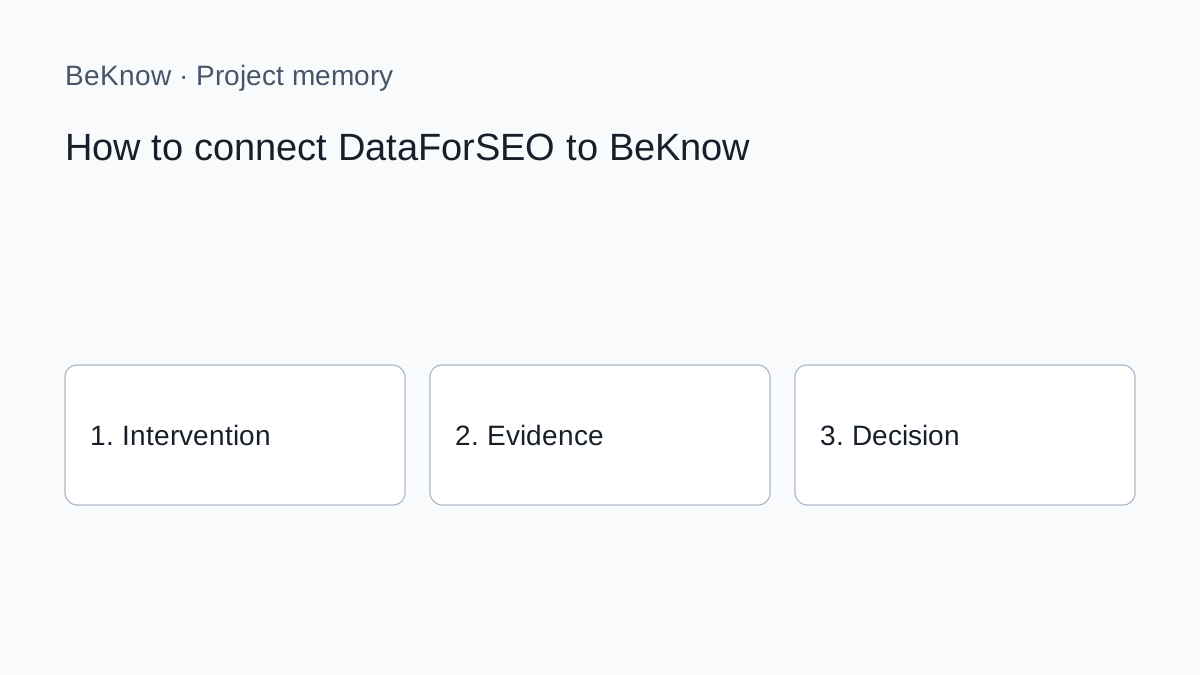
Provider concepts remain useful, but earlier instructions for BeKnow’s SEO, writing, image or AI-visibility screens no longer describe the current public product. Saving a provider key does not enable those retired workflows.
How to apply the method today
1. Define one question and the page, product or project it concerns. Record the source and date of each observation. A provider response is evidence to interpret, not an approved business decision.
2. Carry out the specialist research or content work in the external tool appropriate to the task. Check its current documentation, access requirements and costs. The availability of a provider API does not imply that every capability is integrated in BeKnow.
3. In BeKnow, record the intervention, its hypothesis and the relevant asset. Add the before and after where available. Identify missing evidence rather than filling the gap with an estimate.
4. For supported WordPress and Search Console work, inspect the available verification and checkpoint evidence. For other sources, the initial imports remain separate from automated intervention outcomes.
5. Record whether to continue, stop or investigate, why, and the next step. A review date is a recorded reminder, not a fully managed assignment or notification workflow.
The underlying method
If the provider's role is unclear, read what DataForSEO does. Search Console describes your site's observed performance; DataForSEO adds configured external observations. Connect it only when a decision needs that evidence.
Create or verify the DataForSEO account and inspect its current balance, limits and terms. Keep credentials in a secure manager during setup. Never paste them into chats, tickets, shared documents or screenshots.
1. Retrieve the correct API credentials
The login may resemble the account email, but copy the displayed value. The API password differs from the personal password. If the personal password is entered, verification should fail without running a paid task.
Open the workspace's integration settings and select DataForSEO. Enter each value in its matching field and save. Check the workspace name first; an agency should not associate provider access or results with the wrong client.
3. Verify without starting broad research
A useful verification confirms that DataForSEO recognises the credentials and account. Its User Data endpoint can return account and balance information; that kind of check is different from launching a large keyword task.
For an authentication error, return to API Access and copy both values again. A payment error instead points to billing or balance at DataForSEO. Read the status code and message before rotating credentials.
4. Run a minimal first test
Choose one purpose, such as checking a few keywords for a precise location and language. Define engine, device and market. Do not merge the US, UK and other English-speaking markets into one interpretation; their results and language patterns differ.
Confirm that returned parameters match the request and inspect the provider-recorded cost. DataForSEO has different endpoint families and Live or Standard methods; availability and price vary. Review the live dashboard before increasing volume.
Does DataForSEO use an API key?
Its v3 documentation specifies Basic Authentication with an API login and API password. Enter both in the provided fields.
Saving credentials should not launch SEO tasks. Later requests may consume balance under DataForSEO's terms.
Can OpenRouter replace it?
Yes. Connect it only for workflows requiring outside data beyond your site and Search Console.
Verify first, then expand
A sound connection uses dedicated API credentials, identifies the workspace, verifies the account and tests one minimal request. Increase keyword count or frequency only after checking output and usage.
What BeKnow keeps
Keep interventions, hypotheses, assets, observations and decisions in a searchable workspace. Record what is known and what still needs checking.
Preserve the reason for a choice and the next step alongside the intervention. Review dates are recorded; a complete assignment and review inbox is not available yet.
Connections and limits
Shopify, WooCommerce, Magento, GA4, Google Ads, Meta Ads and HubSpot have initial read connectors. Imports are started manually and their data can be inspected or read through MCP. Coverage and setup differ by provider; automatic links to intervention outcomes are still being developed.
A change in performance after an intervention does not prove that the intervention caused it. Cross-platform attribution and a complete analytics dashboard are not available today.
AI and costs
Project memory and data imports do not require an AI model key. A compatible external AI client may have its own costs. BYOK applies only to available functions that actually call an external provider.
Free access during the current adoption phase. No BeKnow credit wallet.
Next step
Start with one project, one documented change and the evidence needed to review it. Source connections.
About the author
Marco Salvo is the founder of BeKnow. With more than 20 years in SEO, he created BeKnow to connect project changes with real-world results and turn that history into knowledge people and AI can use.
Record your first intervention
Start with one project, one documented change and the evidence needed to review it.
Create a free workspace