How to choose an OpenRouter model for BeKnow — current scope
Provider concepts remain useful, but earlier instructions for BeKnow’s SEO, writing, image or AI-visibility screens no longer describe the current public product. Saving a provider key does not enable those retired workflows.

Provider concepts remain useful, but earlier instructions for BeKnow’s SEO, writing, image or AI-visibility screens no longer describe the current public product. Saving a provider key does not enable those retired workflows.
How to apply the method today
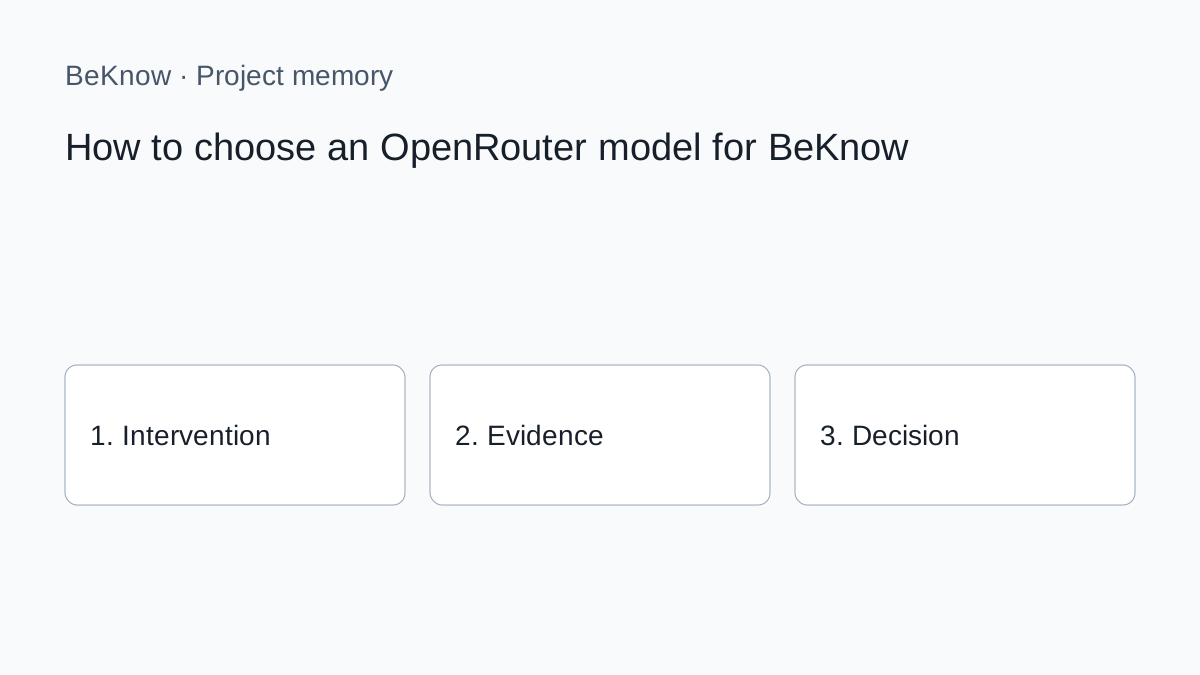
1. Define one question and the page, product or project it concerns. Record the source and date of each observation. A provider response is evidence to interpret, not an approved business decision.
2. Carry out the specialist research or content work in the external tool appropriate to the task. Check its current documentation, access requirements and costs. The availability of a provider API does not imply that every capability is integrated in BeKnow.
3. In BeKnow, record the intervention, its hypothesis and the relevant asset. Add the before and after where available. Identify missing evidence rather than filling the gap with an estimate.
4. For supported WordPress and Search Console work, inspect the available verification and checkpoint evidence. For other sources, the initial imports remain separate from automated intervention outcomes.
5. Record whether to continue, stop or investigate, why, and the next step. A review date is a recorded reminder, not a fully managed assignment or notification workflow.
The underlying method
OpenRouter model availability, providers and prices change. Use the live catalogue in your account rather than treating a model named in a tutorial as permanent.
A text model cannot generate an image merely because it can analyse one. OpenRouter distinguishes input and output modalities. Check the model's capabilities before selection.
1. Task quality
Test on real examples from your workspace. Score factual accuracy, instruction following, useful uncertainty and the amount of human correction required. General benchmarks cannot replace a small task-specific evaluation.
2. Cost per accepted result
Compare the complete job, including retries and review. A cheaper request that fails twice may cost more operationally than one reliable answer. The OpenRouter cost-control guide shows how to record provider usage.
3. Latency
Interactive work benefits from a quick first response. Scheduled scans may tolerate slower delivery. Do not pay for speed when the result will be reviewed the next morning.
4. Search and citations
If the metric depends on current sources, select a model and route that support web search and return citations. A model-only answer is suitable for recall research, not proof of live web visibility.
6. Privacy and routing
OpenRouter can route one model through different providers and use fallbacks. Review provider data policies, retention options and routing controls for the sensitivity of the workspace. Record the actual model and provider returned with each important run.
Build a simple model policy
- routine model: classification, extraction and broad low-risk batches;
- analysis model: ambiguous SEO findings and final synthesis;
- search-enabled model: current-source and citation workflows;
- image model: thumbnails and visual assets;
- fallback: tested alternative when the preferred route is unavailable.
Start with five to ten representative cases per role. Accept a model only when it reaches the minimum quality threshold and produces a predictable cost range.
Keep monitoring comparisons stable
For AI visibility, changing the model changes the measurement instrument. Do not swap models in the middle of a time series and call the movement a brand trend. Finish the comparison period or create an overlapping calibration sample, then start a new baseline.
The guide to AI visibility monitoring cost helps estimate the multiplication across prompts, models, markets and repetitions.
When an image model is needed
OpenRouter exposes image-output models separately and documents their supported resolution, aspect ratio, format and reference-image parameters. Choose a model whose endpoint supports the required output. For blog images, visual consistency and readable composition often matter more than the highest available resolution.
A repeatable selection test
- Define the task and pass criteria.
- Shortlist models with the required capabilities.
- Run the same representative inputs.
- Record model, provider, cost, latency and errors.
- Review output blind where practical.
- Select the lowest-cost option that clears the quality threshold.
- Define the escalation and fallback rule.
- Re-test when the model or workflow changes.
Which model should I select first?
Begin with a current general-purpose model that supports the parameters your task needs, then compare it with one lower-cost alternative on real cases.
Is the most expensive model always better?
No. Quality is task-specific, and simpler work may not benefit. Compare cost per accepted output.
Should I enable fallback providers?
Fallbacks improve resilience but can change provider characteristics. Use them when availability matters and retain routing metadata.
Choose a policy, not a favourite model
A durable setup assigns models by role, verifies capabilities, measures real outputs and preserves the model used in every result. It remains useful when the catalogue changes.
What BeKnow keeps
Keep interventions, hypotheses, assets, observations and decisions in a searchable workspace. Record what is known and what still needs checking.
Preserve the reason for a choice and the next step alongside the intervention. Review dates are recorded; a complete assignment and review inbox is not available yet.
Connections and limits
Shopify, WooCommerce, Magento, GA4, Google Ads, Meta Ads and HubSpot have initial read connectors. Imports are started manually and their data can be inspected or read through MCP. Coverage and setup differ by provider; automatic links to intervention outcomes are still being developed.
A change in performance after an intervention does not prove that the intervention caused it. Cross-platform attribution and a complete analytics dashboard are not available today.
AI and costs
Project memory and data imports do not require an AI model key. A compatible external AI client may have its own costs. BYOK applies only to available functions that actually call an external provider.
Free access during the current adoption phase. No BeKnow credit wallet.
Next step
Start with one project, one documented change and the evidence needed to review it. Source connections.
About the author
Marco Salvo is the founder of BeKnow. With more than 20 years in SEO, he created BeKnow to connect project changes with real-world results and turn that history into knowledge people and AI can use.
Record your first intervention
Start with one project, one documented change and the evidence needed to review it.
Create a free workspace