How to audit a page's content and Firecrawl — current scope
Provider concepts remain useful, but earlier instructions for BeKnow’s SEO, writing, image or AI-visibility screens no longer describe the current public product. Saving a provider key does not enable those retired workflows.

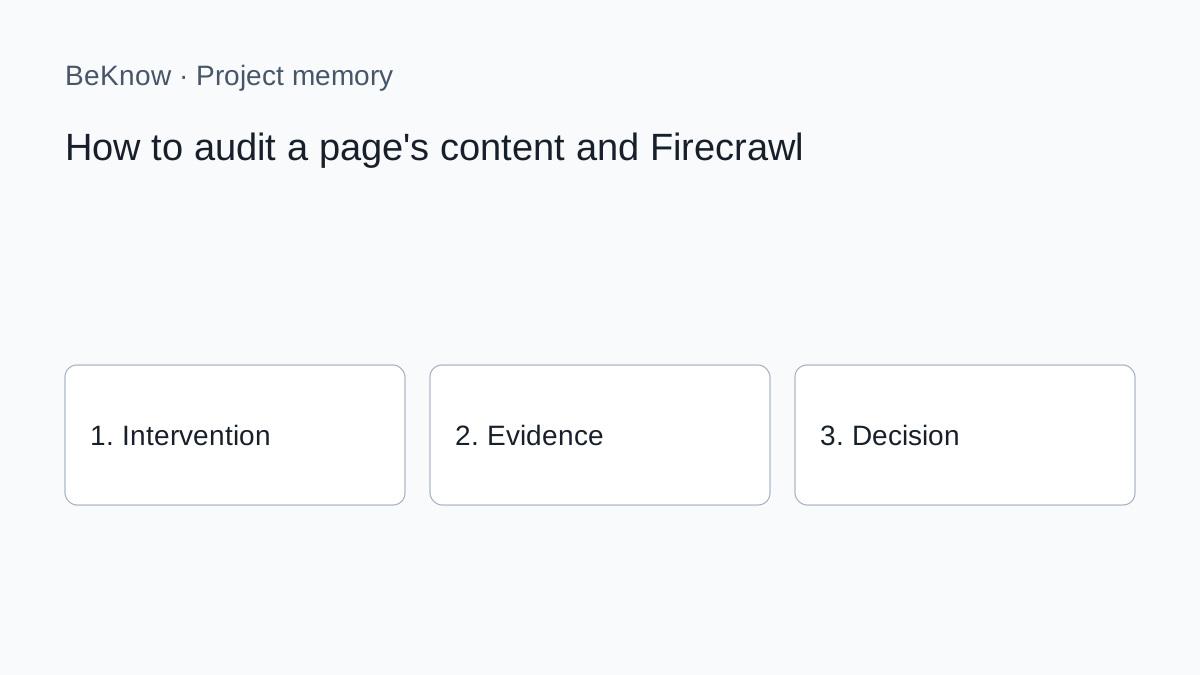
Provider concepts remain useful, but earlier instructions for BeKnow’s SEO, writing, image or AI-visibility screens no longer describe the current public product. Saving a provider key does not enable those retired workflows.
How to apply the method today
1. Define one question and the page, product or project it concerns. Record the source and date of each observation. A provider response is evidence to interpret, not an approved business decision.
2. Carry out the specialist research or content work in the external tool appropriate to the task. Check its current documentation, access requirements and costs. The availability of a provider API does not imply that every capability is integrated in BeKnow.
3. In BeKnow, record the intervention, its hypothesis and the relevant asset. Add the before and after where available. Identify missing evidence rather than filling the gap with an estimate.
4. For supported WordPress and Search Console work, inspect the available verification and checkpoint evidence. For other sources, the initial imports remain separate from automated intervention outcomes.
5. Record whether to continue, stop or investigate, why, and the next step. A review date is a recorded reminder, not a fully managed assignment or notification workflow.
The underlying method
The result is a diagnosis, not an automatic order to add words. A page may need a clearer answer, updated evidence, better internal links, consolidation—or no editorial change at all.
Define the audit question first
- the exact URL;
- the primary user intent or query family;
- the target market and language;
- the business role of the page;
- the type of output required.
For example: “Audit this Italian service page for users comparing BYOK tools. Identify unanswered decision questions and conflicting product claims. Do not rewrite.” This prevents a generic checklist from replacing the page’s real purpose.
Check retrieval before interpretation
Confirm the returned source URL, status and content. A login wall, blocked request, wrong canonical, client-side interaction or incomplete render can produce a misleading audit. Missing extracted text is not proof that the live page has no content.
Firecrawl normally supports extracting main content and can return links and metadata. Preserve the retrieval time because the page can change. For important claims, open the live URL and verify them manually.
Review structure as a reader journey
- an H1 that promises a different answer;
- essential sections hidden or missing;
- repeated headings that add no new information;
- key definitions introduced too late;
- a CTA disconnected from the problem solved.
Do not force a fixed number of headings. A short integration guide and a strategic comparison need different structures.
Inspect entities, claims and evidence
- verified facts stated clearly;
- claims without support;
- obsolete or contradictory information;
- important entities that are absent;
- terminology inconsistent with the brand memory.
An entity count is not an optimisation target. Add information only when it helps the reader verify or complete the task. The brand memory guide explains how sourced facts should constrain content.
Compare intent coverage, not word count
Build a list of questions the page must answer. Search Console queries, sales questions, product documentation and SERP analysis can contribute evidence. Mark each question as answered, partially answered, absent or intentionally out of scope.
Turn findings into the smallest useful update
| Finding | Possible action |
|---|---|
| Correct intent, incomplete answer | Add or revise a focused section |
| Outdated product fact | Replace with verified current information |
| Two pages solve the same task | Evaluate consolidation |
| Wrong title promise | Align title, introduction and snippet |
| Important page has no internal support | Add relevant incoming links |
| Retrieval failure | Technical investigation, not copywriting |
Before creating another URL, apply the update-or-new article decision.
Save a baseline and verify after editing
Record the extracted version, audit date, findings and approved changes. After the update is published and recrawled, retrieve the page again to confirm that the intended content is actually visible. Then monitor relevant Search Console and ranking signals without claiming that one edit caused every movement.
If you work through MCP, keep the first request read-only. Approve a named planner action separately and re-read the record after any write.
Is a content audit the same as a technical SEO audit?
No. It can reveal retrieval symptoms, but crawling, indexing, rendering and performance require dedicated technical checks.
Does a longer page score better?
No. Completeness and usefulness depend on the intent, not a universal word count.
Can I audit a competitor page?
Public pages can be read when accessible, but use them for evidence and comparison, not copying.
Audit the answer the reader can actually see
Retrieve the real page, validate the extraction and compare it with a defined intent. Then make the smallest supported change and verify the published result.
What BeKnow keeps
Keep interventions, hypotheses, assets, observations and decisions in a searchable workspace. Record what is known and what still needs checking.
Preserve the reason for a choice and the next step alongside the intervention. Review dates are recorded; a complete assignment and review inbox is not available yet.
Connections and limits
Shopify, WooCommerce, Magento, GA4, Google Ads, Meta Ads and HubSpot have initial read connectors. Imports are started manually and their data can be inspected or read through MCP. Coverage and setup differ by provider; automatic links to intervention outcomes are still being developed.
A change in performance after an intervention does not prove that the intervention caused it. Cross-platform attribution and a complete analytics dashboard are not available today.
AI and costs
Project memory and data imports do not require an AI model key. A compatible external AI client may have its own costs. BYOK applies only to available functions that actually call an external provider.
Free access during the current adoption phase. No BeKnow credit wallet.
Next step
Start with one project, one documented change and the evidence needed to review it. Source connections.
About the author
Marco Salvo is the founder of BeKnow. With more than 20 years in SEO, he created BeKnow to connect project changes with real-world results and turn that history into knowledge people and AI can use.
Record your first intervention
Start with one project, one documented change and the evidence needed to review it.
Create a free workspace